YouTube Content Planning For Social Media Consultants

Getting YouTube content planning right can make all the difference when working as a social media consultant. Building a steady YouTube presence brings stronger results for your clients, but it can feel overwhelming when you’re managing a busy roster or jumping into the platform for the first time.
YouTube thrives on consistency, creativity, and a solid plan. As a consultant, if you know how to break down content planning step by step, you’ll be able to deliver steady growth, better engagement, and get the most out of the world’s biggest video platform. Plus, your clients will appreciate how organized and results-driven your method is.
Here's how I tackle YouTube content planning for my clients, with practical ideas and actionable tips you can use to get organized, stay inspired, and keep those analytics moving up. Let's get into it!
Step 1: Define Your Client’s YouTube Goals
The first thing I do is get clear on why the client wants to focus on YouTube in the first place. Different brands and personalities have totally different needs, so taking time to ask the right questions upfront is crucial.
Start with These Questions:
- Is the goal to grow a community, boost brand awareness, drive traffic, or generate leads?
- Will YouTube be supporting their other content (like Instagram or TikTok), or is it a main focus?
- Are we aiming for rapid subscriber growth, or building a video library for long-term discovery?
- What resources (time, budget, video skills) does the client actually have?
Knowing the real goals is super important, because it shapes everything: from the type of videos you make to how often you publish and which metrics matter most. Some clients want fast results—others are playing a longer game. Clarifying this can save a lot of stress later on.
And be prepared for pivots. I have a client now that is making videos for TikTok and wants to monetize through YouTube with brand sponsorships. Before we could even sit down to formalize his transition plans he found a YouTube collaborator with a much bigger established audience. They decided to start a 30-day themed sprint and want to reach out to Netflix for sponsorship.
The established audience of the collaborator and my client combined are well below Netflix numbers radar so I suggested they gamify the project by placing hidden objects in the videos that must be found and collected throughout the month. If anyone is interested in how this project turns out let me know and I will add you to the loop.
The point I am making with this is that a client may pivot, especially in the early days of a project and you must be prepared to oppose, redirect or pivot with them and add greater value.
Step 2: Research the Niche and Audience
Jumping into research saves a lot of trial and error. I always recommend taking a bit of time here before you start making videos. Solid research means fewer wasted hours and more relevant content ideas.
How I Approach the Research Phase:
- Identify similar channels and see what’s working for them in terms of format, length, and style.
- Figure out who the top channels are and look for gaps your client can fill. It could be a fresh perspective or a topic the competition hasn't tackled yet.
- Study comments to get a feel for the audience’s real interests and struggles.
- Check out YouTube search trends related to your client’s niche using free tools like Google Trends and the YouTube autocomplete search bar.
This step is where I stumble upon most of my content inspiration. I like to screenshot eye-catching ideas, start a running doc of themes, and collect “swipe files” of successful titles and thumbnails. Taking time here helps you track down both what performs well and what can be improved for your client.
Step 3: Build Out a Content Calendar
No matter how creative you are, you’ll end up scrambling if you don’t block out what’s coming up next. A YouTube content calendar is the simplest way to keep everyone on the same page, especially for solo consultants juggling multiple clients. Even a basic outline works wonders.
Key Elements of a YouTube Content Calendar:
- Video topics. Stick to 2–4 content pillars that support your client’s larger brand.
- Target publish dates. Be realistic! Weekly, biweekly, or monthly depending on your workflow.
- Production stages: track scripting, filming, editing, and uploading.
- Collabs, holidays, or events. Noting these in your calendar keeps things timely and relevant.
I usually use Google Sheets or Notion. It doesn’t need to be fancy unless you have a big team. The point is to stay proactive and give a boost to your own consistency. A calendar lets you spot where there might be quiet periods and fill them in advance.
Klaviyo, ManyChat and Blaze AI are also great tools for keeping content calendars full and posting on time but like any platform keep in mind they will both cost you some money after the trial and take some time to set up before it saves you any time at all.
Step 4: Brainstorm Video Formats and Series
Creating one off videos works for some channels, but I’ve found clients see real growth faster with repeatable formats and episodic series. Mapping out a blend of video types keeps things fresh without starting from scratch every week, and viewers love knowing what to expect.
Popular YouTube Content Types for Consultants:
- Tutorials and how to guides (step by step help solves audience problems)
- Trends and reaction videos (solid for quick boosts in engagement if you jump on the right story)
- Case studies or client success stories (shows your client’s credibility and builds trust)
- Behind the scenes looks at your client’s process (great for personality driven brands)
- Q&A or FAQ videos (answering real questions always provides value)
Mix in these formats so you’re not relying on just one kind of content. The more repeatable your structure, the easier it gets to batch produce and not burn out. Consider framing a monthly or weekly “series” to build anticipation with your viewers.
Step 5: Plan SEO YouTube Titles, Thumbnails, and Tags
Great content deserves to get seen. YouTube’s algorithm loves sharp titles, clickable thumbnails, and clear keyword targeting. These details can make a big difference in how your videos perform and who they reach.
How I Create YouTube SEO Fundamentals:
- Research keywords naturally related to each video. Nothing spammy, just phrases the audience is searching for.
- Write titles that grab attention but still sound natural. I often check top results for my keyword to get ideas.
- Design clean thumbnails with strong images and bold color contrast. Make sure they’re easy to spot on mobile screens.
- Add relevant tags and well-written descriptions loaded with keywords but written for real humans.
You can use tools like TubeBuddy or VidIQ for some extra help, but honestly, starting out with the YouTube search bar and some smart thinking is all you need. Taking time on these steps can give a boost to your organic reach.
Step 6: Outline a Video Production Workflow
Staying organized keeps things moving smoothly. Even a basic checklist can save you a ton of headaches by making sure nothing slips through the cracks.
Simple YouTube Production Workflow:
- Topic selection and research
- Create a concise script or outline
- Shoot the video (don’t worry about making it Hollywood quality. Value matters more)
- Edit for pacing, flow, and clear sound (no distracting background noises)
- Draft titles, thumbnails, descriptions, and tags before uploading
- Schedule or publish, then share across other social platforms
Batching similar tasks together, like filming or editing, has made my process way more efficient, especially with clients who want to release videos in a steady flow. Streamlining even just one step can free up time and reduce stress.
Step 7: Analyze YouTube Analytics and Adjust
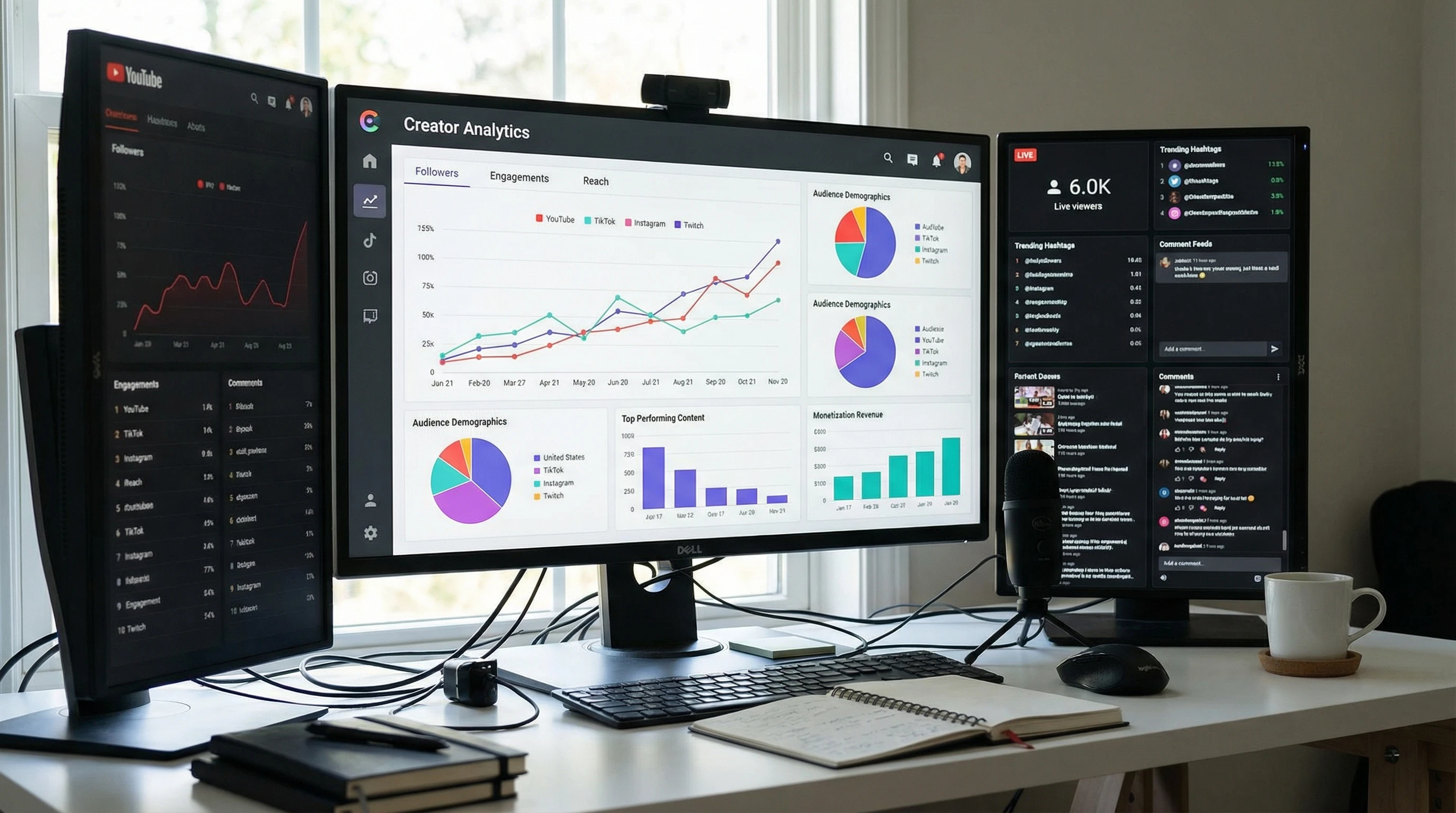
Tracking performance is really important for consultants. YouTube Studio has a solid set of built in analytics, so you don’t need anything super advanced to get actionable data. Plus if you have VidIQ mentioned above you will find actionable keywords just by going to YouTube at all. The sooner you start looking at numbers, the sooner you can spot what's working for your client.
Metrics I Track for My Clients:
- Watch time (shows real engagement beyond just clicks)
- Clickthrough rate on thumbnails and titles
- Retention (Are people bouncing early? Do videos keep viewers watching?)
- Subscriber growth over time
- Traffic sources (where viewers are finding the videos: search, suggested videos, external links)
I like to check analytics at least once a month, then use those insights to tweak content types, titles, or posting times. Sometimes the results are surprising. A topic you thought wouldn’t make waves might become the next big hit, so always keep an open mind.
Common YouTube Content Planning Questions
What if my client doesn't have video editing skills?
There’s nothing wrong with starting simple. Smartphone videos and free editing apps like CapCut or iMovie (for you Apple buffs) work great for most businesses. Just focus on clear sound and lighting, don't forget aspect ratio and rule of thirds. If your client’s pressed for time, think about outsourcing the editing as they grow.
How much time should I spend on YouTube each week?
It depends on the quality and frequency you're aiming for, but most consultants need at least 3–6 hours a week for planning, filming, and basic edits per video. Batching and organizing your calendar helps save time and makes the whole process smoother.
How do I keep content fresh and avoid burnout?
- Use a mix of content types so you’re not repeating the same formula every week.
- Take inspiration from trending topics, but always put your client’s unique spin on things.
- Batch filming lets you take breaks between upload days and still stay ahead of schedule (I do it either Saturday or Sunday).
Next Steps for Social Media Consultants
Getting client results on YouTube takes strategy, flexibility, and a bit of creativity. By starting with clear goals, a strong content calendar, and some basic SEO groundwork, you put yourself in a solid position. Keep refining what you do as you go, stay tuned into analytics, and always find ways to make your process smoother and your videos better. Don’t be afraid to try out new formats as your clients’ channels grow.
Your Action Plan:
- Get clear on your client’s YouTube goals and audience.
- Block out at least two months of video topics and formats.
- Batch production steps to save your future self some hassle.
- Review YouTube analytics regularly to keep improving your strategy.
YouTube keeps mixing it up, so keep learning and experimenting. If you’ve got questions or want to swap content calendar tips, leave a comment below; always happy to connect and share ideas with fellow consultants.
 Consulting Services For Content Creators